Space Shooter
Programmer & Artist
For my GSD 511: Game Development I course, we made a side-shooter project. I decided to stick with the space theme since I already had some space assets I created a while back and wanted to expand on them a little bit. I’m hoping to add some more quality of life features and some better balancing, but am currently hindered by some health issues.
In the current, not well-balanced, state it may only be possible to win using the weapon swapping. I wasn’t able to complete it with the starter weapon, but maybe I’m just bad at aiming :)
Controls
- Move with arrow keys
- Cycle through weapons with
<and>
v1.0 Features - Lecture Version
- Data-Driven Design - uses a custom auto-loaded
data_loader.gdscript to pull game data from.csvfiles- uses a spreadsheet as a single source of truth
- see Game Data Examples section for more details
- Equipable Weapons - a variety of weapons, each with different stats
- NOTE: weapon firing / in-game model is not implemented at this point, just in-game data pulling and weapon label
- Enemies - a variety of enemies, each with different stats
- NOTE: enemies are not yet implemented in game, just the data import and sprites
v2.0 Features - Lecture Version (+ Extra Content)
- Expanded Data-Driven Design - added handling for
spawns.csvto define waves, and added score values to each enemy - Weapon Firing - bullets spawn in front of player and travel towards enemy-side using the currently equipped weapon’s data
- Enemy Waves - enemies spawn on right side if the screen with y-position and time between spawns pulled from the wave data
- enemies fly towards player-side using pulled enemy data
- enemies are destroyed when they:
- reach the other end of the screen -> player loses a life
- run into the player -> player loses a life
- take damage greater than or equal to their HP from the player’s bullets -> player gets the enemy’s point value added to their score
- More Weapon and Enemy Types - now have 5 weapons and 5 enemies
- Player Lives - player can take damage from enemies reaching the player side or running directly into the player
- Player Score - player gets points for each enemy killed (scores are defined in the enemy data)
- Win/Loss Screens - appropriate screens for when player loses (has 0 lives remaining) and wins (defeats the wave), with restart buttons to play again
- Weapon Swapping - player can cycle through every implemented weapon using the
<and>keys
Game Data Examples
Weapons & Enemy Data
This data lives in a Google Sheet, which I export to .csv and drop into the project for data_loader.gd to read at runtime. The tables below are pulled directly from those exported files, so they’ll stay current as the sheet evolves. I’ve also linked the full .csv files as a downloadable reference.
Weapons
| id | name | damage | fire_rate | dps |
|---|---|---|---|---|
| wpn_laser | Pulse Laser | 10 | 0.2 | 50 |
| wpn_plasma | Plasma Cannon | 35 | 0.6 | 58.33 |
| wpn_rocket | Heavy Rocket | 90 | 1.5 | 60 |
| wpn_explosive | Explosive Ball | 50 | 0.8 | 62.5 |
| wpn_mm | Marshmallows | 1 | 0.1 | 10 |
Enemies
| id | name | hp | speed | value | screen_time | ttk_laser |
|---|---|---|---|---|---|---|
| enm_scout | Scout Drone | 20 | 300 | 2 | 6.4 | 0.4 |
| enm_cruiser | Armored Cruiser | 160 | 120 | 10 | 16 | 3.2 |
| enm_avg | Standard Ship | 80 | 200 | 5 | 9.6 | 1.37 |
| enm_worker | Worker Drone | 50 | 150 | 1 | 12.8 | 0.83 |
| enm_boss | Mothership | 300 | 80 | 20 | 24 | 4.8 |
Waves
| enemy_id | wait | y |
|---|---|---|
| enm_scout | 1.0 | 140 |
| enm_scout | 1.0 | 300 |
| enm_worker | 0.5 | 100 |
| enm_worker | 0.5 | 200 |
| enm_cruiser | 2.0 | 220 |
| enm_scout | 0.8 | 180 |
| enm_boss | 2.0 | 150 |
Godot CSV Import Issue
This is how to fix the CSV data pulling if files cannot be found when exported to the web:
- Check the
Importtab (usually in the same pane as theScenewindow) - If it’s showing
CSV Translation, change it toKeep File (exported as is) Re-Import- Repeat for each CSV file
Asset Attributions
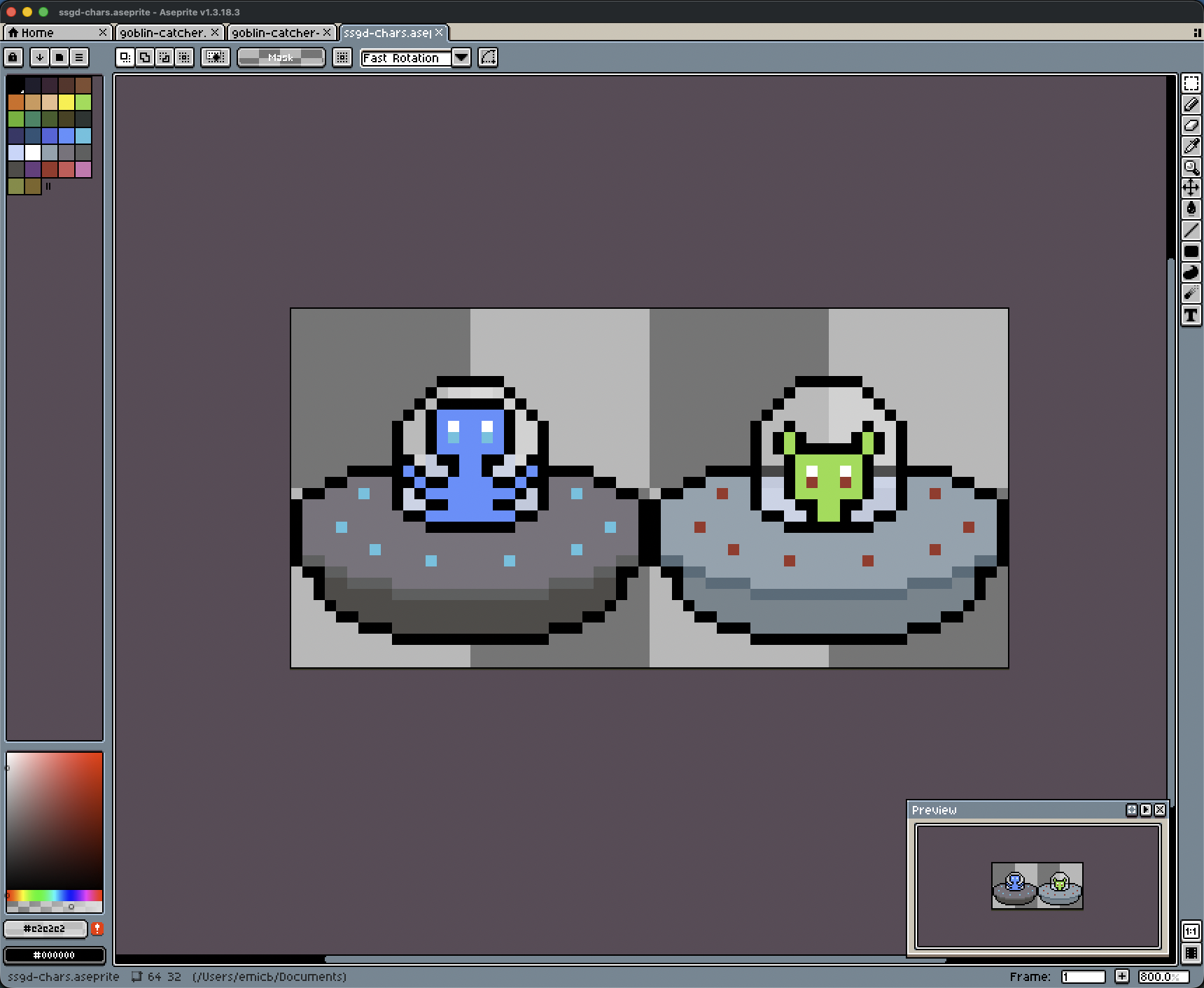
All of the current art was made by me using Aseprite and Paint.net. The cover image was made in Canva using my sprites.
Aseprite Files